1. Extract to desired location.
2. Click on "Game.exe" to start playing.
HTML games
Use the MNF Player linked under the main download links.
Extrac the game into MNF Players "Games" folder and open the "Start_Game_default.bat" file.
Each game should be in a seperate folder.
SWF games
For .swf files, you can use Standalone Flash Player:
You must be registered to see links
You must be registered to see links
BCT games
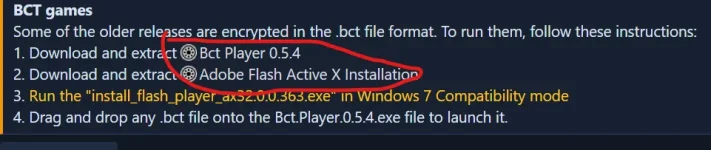
Some of the older releases are encrypted in the .bct file format. To run them, follow these instructions:
1. Download and extract
You must be registered to see links
2. Download and extract
3.
Run the "install_flash_player_ax32.0.0.363.exe" in Windows 7 Compatibility mode
4. Drag and drop any .bct file onto the Bct.Player.0.5.4.exe file to launch it.