

Shawnchapp
Staff member
Registered
Lewd
Moderator
Art Moderator
Prestige 2
Prestige 3
Prestige 4
Prestige 5
Prestige 6
Game Modder
1/3
2 Years of Service
- Developer Name
- Psychodelusional
- Developer Links
- Version
- 1.0
- Latest Update
- Jun 26, 2019
- Release Date
- Jun 26, 2019
- Language
- English
- OS
- Windows
- Other Games
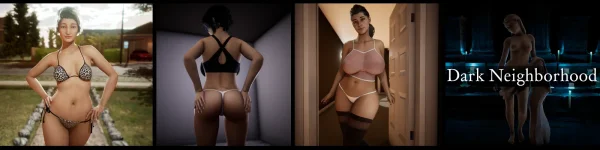
Overview:
It is a story about a wondering, lustful deity who feeds off of erotic acts done by humans in order to satiate his power. In Chapter One it happens upon a variety of different people and proceeds to bring out their hidden and most intimate desires.
Release Date: 2019-06-26
Developer: Psychodelusional (
You must be registered to see links
)Game Version: 1.0
Modder: Yukare
Mod Version: 1.0
Language: English
1- Extract to desired location.
2- Click on "DarkN.exe" to start playing.
2- Click on "DarkN.exe" to start playing.
This mod add a gallery with all lewd scenes, they are unlocked so you do not have to play the game to open then.
There is a random gallery, it just plays one scene after other from gallery in random order.
There is a random gallery, it just plays one scene after other from gallery in random order.
Extract the file and put inside the Dark Neighbourhood folder. To make sure it is in the correct path, you will have a file something like this: Dark Neighbourhood\game\gallery\screens.rpyc
To uninstall, just remove the folder "gallery" from your game, all files from the mod are inside it and the mod do not change anything on your save game
To uninstall, just remove the folder "gallery" from your game, all files from the mod are inside it and the mod do not change anything on your save game
DOWNLOAD
Win/Linux:
Gallery Mod:
Screenshots:



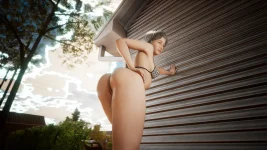
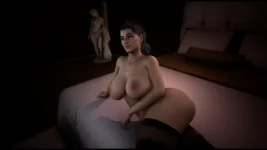

Win/Linux:
You must be registered to see links
-
You must be registered to see links
- Gallery Mod:
Screenshots:
Last edited by a moderator:





